

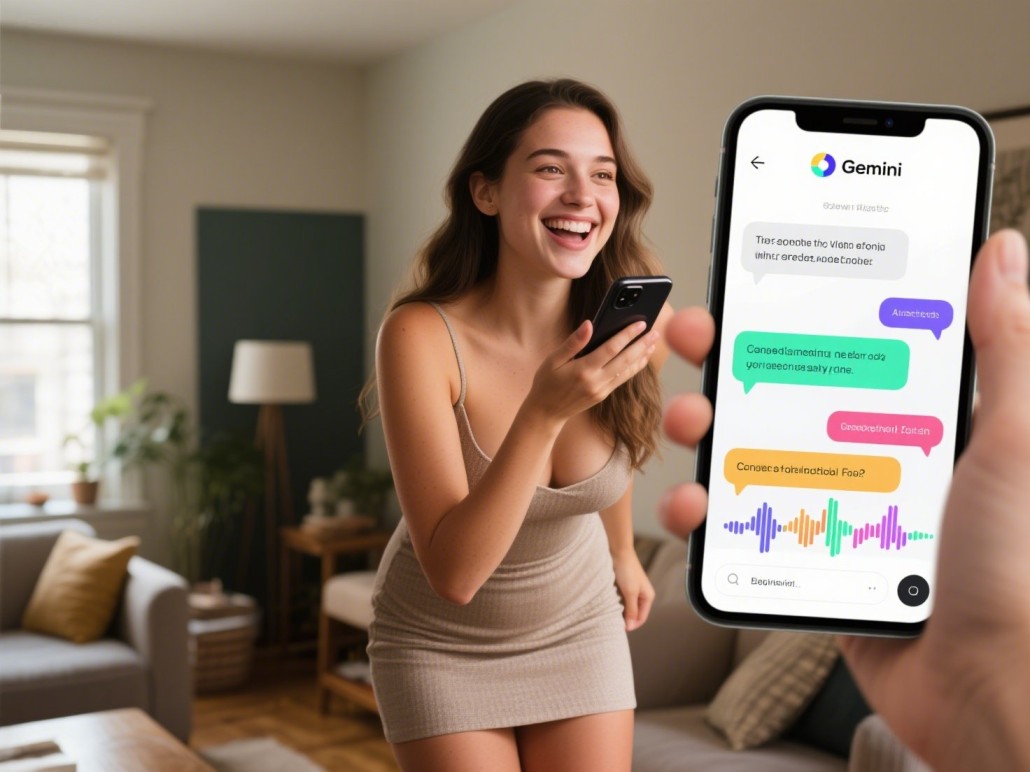
Have you ever been in a noisy place trying to follow a livestream or video call, but couldn’t catch what was being said? Or maybe you’re someone who prefers reading along with spoken content to fully understand it. Good news: Google is officially rolling out real-time captions for Gemini Live, and it’s about to make things way easier and more accessible for everyone.
Whether you’re attending a virtual event, joining a video meeting, or just having a chat with Google’s AI assistant, the new real-time captions feature ensures you don’t miss a word. Here’s everything you need to know, explained simply and clearly.
🌟 What Is Gemini Live?
Let’s start with the basics. Gemini Live is Google’s AI-powered, voice-interactive experience, part of its Gemini app (formerly Bard). Think of it like talking to a super smart assistant that can help with everything from planning your day to learning something new or even writing a song — all in real-time conversation, using voice.
With Gemini Live, instead of typing your questions or commands, you can just speak naturally, and the assistant will respond in a smooth, back-and-forth way. Now, with real-time captions, you’ll also be able to see everything that’s said — both yours and the AI’s — right on your screen as the conversation happens.
📲 Why Real-Time Captions Matter
This feature isn’t just a nice extra — it’s actually a big deal for a lot of people. Here’s why:
-
Accessibility: For users who are deaf or hard of hearing, real-time captions open up a whole new way to interact with AI.
-
Clarity: Sometimes we miss things in conversation. Captions help make sure you don’t have to ask, “Wait, what was that?”
-
Noisy Environments: Whether you’re on a train, in a café, or at a crowded event, reading what’s being said can be much easier than listening.
-
Learning Aid: For non-native speakers or those learning a new language, seeing the words as they’re spoken can really help improve understanding and pronunciation.
In short, this feature makes AI chats more inclusive, helpful, and user-friendly.
🔧 How Does It Work?
Google’s Gemini Live listens to the conversation — your voice and the AI’s response — and generates live captions on the screen in real time. It uses advanced voice recognition and natural language processing to ensure the text is accurate and fast.
-
The captions show up right as the words are spoken — no delay, no awkward gaps.
-
They work during two-way voice conversations between you and the AI.
-
You don’t need to enable anything special — if you have access to Gemini Live, the captions should appear automatically once the update hits your device.
This update is now rolling out to all users, globally. If you’re not seeing it just yet, it should be available very soon.
🌐 Who Can Use It?
-
Anyone with access to Gemini Live can use the new captions feature.
-
The feature is rolling out across both Android and iOS devices.
-
You’ll need the latest version of the Gemini app installed, and make sure your app has permissions to use the microphone and show captions.
Google has not restricted this to Pixel devices or Android 14 — it’s part of a broader push to make Gemini more usable for everyone.
🧠 A Smarter, More Human AI Experience
What’s cool about Gemini Live is that it’s not like your regular voice assistant. It pauses when you interrupt, it listens more naturally, and it can understand complex conversations. Now with captions, it’s even more helpful.
For example:
-
Planning a trip? Ask Gemini Live to help — and now read along as it suggests flights, gives hotel recommendations, and offers local tips.
-
Need help with homework? Speak your math problem or essay topic, and follow the explanation as it appears word by word.
-
Want to learn a language? Use Gemini Live to practice, while the captions show you every sentence, helping you catch every word.
The idea is to make voice-first interaction not just smarter, but also more visual, inclusive, and adaptable.
✅ Final Thoughts
Google’s rollout of real-time captions in Gemini Live is a big step in making AI more usable, especially for those who rely on visual feedback or simply prefer to read along.
It’s:
-
Easy to use
-
Helpful in everyday situations
-
A win for accessibility
If you haven’t tried Gemini Live yet, this is a perfect reason to do it now. Just open the Gemini app, start talking, and watch as the captions appear — making your AI experience feel more human and more connected.
Related – Google Chrome for Android Now Lets You Move the Address Bar to the Bottom — Here’s How

4 Comments
Your article helped me a lot, is there any more related content? Thanks! https://accounts.binance.info/cs/register-person?ref=OMM3XK51
I don’t think the title of your article matches the content lol. Just kidding, mainly because I had some doubts after reading the article.
Your article helped me a lot, is there any more related content? Thanks! https://www.binance.com/register?ref=IHJUI7TF
Thank you for your sharing. I am worried that I lack creative ideas. It is your article that makes me full of hope. Thank you. But, I have a question, can you help me?