

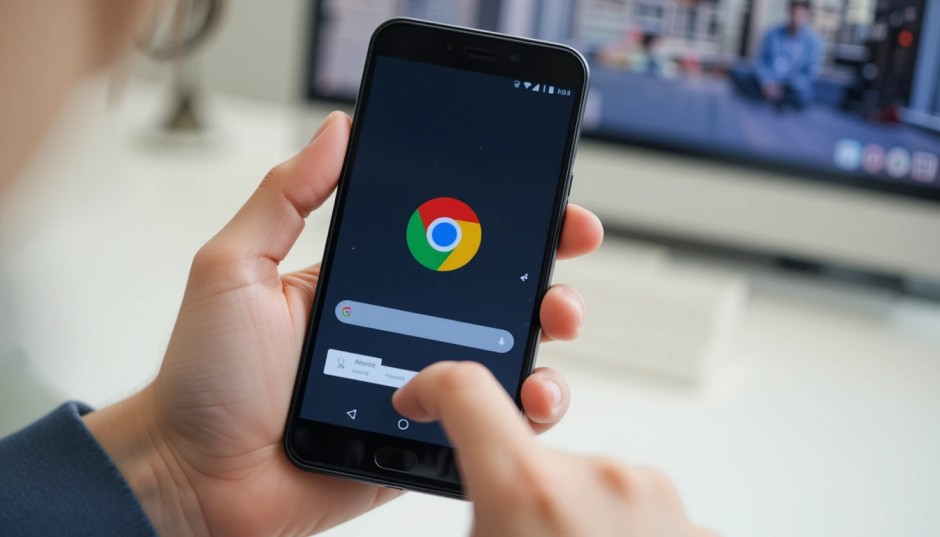
If you’re an Android user who’s ever felt annoyed by stretching your thumb all the way to the top of your screen just to type a URL — Google has finally heard you. The latest update to Google Chrome for Android now includes a simple yet incredibly helpful feature: you can move the address bar (aka the URL bar) to the bottom of the app.
Let’s break down what this means, why it matters, and how you can start using it today.
📌 What’s New?
Google is officially rolling out the option to move the Chrome address bar from the top of the screen to the bottom on Android devices. This may sound like a small change, but for many users, especially those with larger phones, it’s a game-changer for ease and comfort.
Until now, iPhone users with Safari have had this option for years. Android users? Not so much — unless you were digging deep into developer flags or using third-party browsers like Vivaldi or Opera.
But now, no developer tricks needed. It’s part of the standard Chrome experience.
👇 Why Putting the Address Bar at the Bottom is a Big Deal
Here’s the thing: smartphone screens have gotten taller and taller. That’s great for watching videos or scrolling social media, but not so great when you have to reach your thumb all the way to the top corner just to type a web address, refresh a page, or open a menu.
By moving the address bar to the bottom, Google is doing three important things:
-
Improving one-handed use – Perfect for when you’re holding your phone in one hand while multitasking (like walking, eating, or carrying a coffee).
-
Reducing thumb strain – Sounds silly, but thumb stretch is real. It makes browsing feel more fluid and natural.
-
Catching up with modern design – Many apps now follow a “bottom navigation” trend because it just makes more sense ergonomically.
🛠️ How to Move the Address Bar to the Bottom in Chrome
It’s surprisingly easy. Here’s how you do it:
-
Update Chrome to the latest version (go to the Google Play Store and make sure it’s up to date).
-
Open Chrome.
-
Tap the three-dot menu in the upper-right corner.
-
Go to Settings.
-
Scroll down and tap on Address Bar.
-
Choose Bottom.
That’s it! Chrome will instantly shift the address bar to the bottom of your screen.
Tip: Don’t like it? You can switch it back anytime by following the same steps.
🔄 What Happens When You Move It?
Once you shift the bar to the bottom:
-
The search/address input, tab switcher, and overflow menu move down.
-
Your thumb has easier access to everything.
-
The rest of your screen remains exactly the same — clean and familiar.
There’s no compromise on functionality. You can still search, open bookmarks, browse tabs, or use Incognito just like before.
🌍 Who Will Benefit Most?
This update is for everyone, but especially for:
-
Users with larger phones like the Galaxy S24 Ultra or Pixel 8 Pro.
-
People who use their phone one-handed most of the time.
-
Elderly users or those who find reaching the top awkward or uncomfortable.
-
Anyone who wants a smoother browsing experience.
💭 Is Google Late to the Party?
Kind of. Apple introduced the option to move Safari’s address bar to the bottom back in iOS 15 (2021). Third-party browsers like Opera and Brave have been doing it even before that.
But what’s important here is that Chrome is the world’s most-used browser. Now that Google is offering this option natively, millions of Android users will finally get a more modern, ergonomic browsing experience without switching apps or fiddling with settings.
🧪 A Feature That Was Tested Quietly
This isn’t the first time Google played with this idea. Chrome’s experimental “Duet” and “Home” UI flags in past versions tried placing the toolbar at the bottom, but they were either too buggy or eventually scrapped.
This time, it’s official, polished, and being rolled out globally.
🚀 Final Thoughts
Sometimes, it’s the smallest tweaks that bring the biggest changes. Moving the address bar to the bottom isn’t flashy, but it makes mobile browsing feel faster, more comfortable, and user-friendly. For years, Android users have dealt with tall phones and hard-to-reach UIs. Now, Google is finally doing something about it.
So go ahead — move that bar down, save your thumb some effort, and enjoy a little win in your everyday digital life. 🎉
Related – Google Veo 3: The Future of AI Video Creation Has Arrived — And It’s Mind-Blowing

3 Comments
Thanks for sharing. I read many of your blog posts, cool, your blog is very good. https://www.binance.info/register?ref=IXBIAFVY
Your article helped me a lot, is there any more related content? Thanks!
Thanks for sharing. I read many of your blog posts, cool, your blog is very good.