

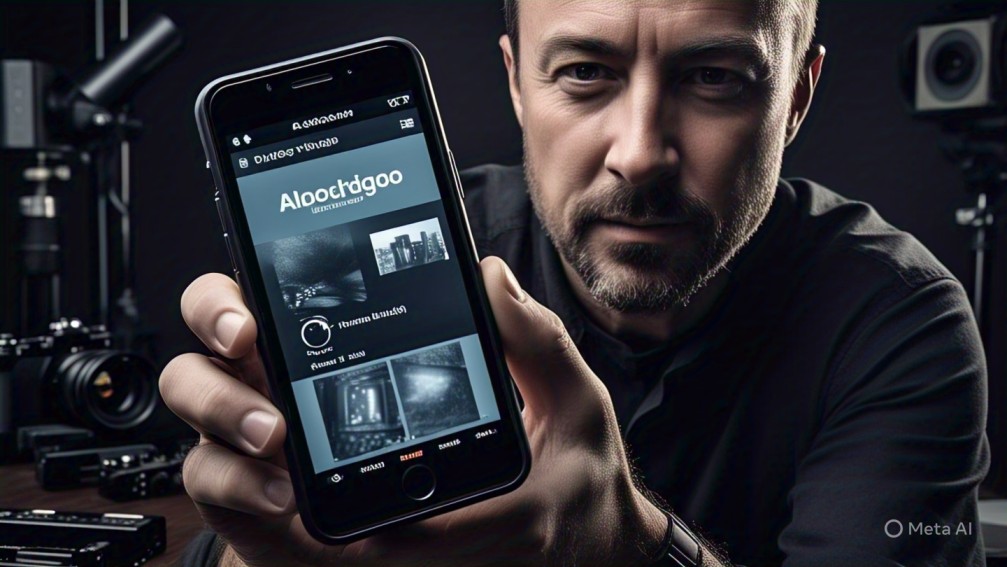
In a move that’s exciting both photographers and iPhone power users, Adobe has officially launched “Project Indigo”, a new iOS camera app that puts full manual controls right at your fingertips. If you’ve ever felt limited by your iPhone’s stock camera app — this one’s for you.
🎯 What Is Project Indigo?
Project Indigo is Adobe’s take on a professional-grade camera experience, built specifically for iPhone users. Unlike the default Camera app, which leans heavily on computational photography and automatic settings, Indigo gives you full creative control — think of it as a DSLR-like experience on your phone.
Whether you’re a mobile photography enthusiast, a content creator, or even a filmmaker, this app lets you fine-tune your shots with precision.
🔧 Features That Make Indigo Stand Out
Here’s what’s under the hood:
-
Manual Exposure Controls: Adjust shutter speed, ISO, and white balance — just like a pro camera.
-
RAW Shooting: Capture images in RAW format for maximum editing flexibility.
-
Focus Peaking: A feature beloved by professionals, showing you exactly what’s in focus.
-
Histogram & Zebras: Real-time exposure monitoring tools that help avoid blown-out highlights or underexposed shadows.
-
Custom Presets: Save your favorite settings for quick access during a shoot.
-
Live Filters & LUT Previews: Preview how your photos or videos will look after color grading.
And yes — the UI is beautifully minimalist, staying true to Adobe’s design language while giving users a clean and uncluttered workspace.
📱 Made for the iPhone Camera — and the Creatives Behind It
Project Indigo taps deep into iPhone’s powerful hardware, including ProRAW and ProRes support (on compatible models), multi-lens switching, and seamless integration with Adobe’s Creative Cloud. You can capture, edit, and sync your content — all from the same ecosystem.
For creators on the go, this means less friction and more freedom.
💬 What Adobe Has to Say
During the announcement, Adobe emphasized that Indigo is “built with photographers in mind.” The goal is to bridge the gap between smartphone convenience and DSLR-level control, enabling artists to get the shot they want — not just what the AI thinks they want.
“Project Indigo is about empowering creativity at the moment of capture,” said an Adobe spokesperson. “We wanted to give mobile creators a tool that works as hard as they do.”
🌍 Who’s It For?
-
Photographers who want full control of every setting
-
Content creators who want a polished, professional look straight out of camera
-
Filmmakers looking for manual video capture on mobile
-
Photo editors who want to shoot in RAW for detailed post-processing
🧪 Still in the Early Stages?
Adobe is currently referring to this as a “Project” — suggesting it may still be in beta or experimental stages. But even in its current form, users are already impressed by how smooth, stable, and powerful the app is.
Early user reviews on social media call it:
“The manual iPhone camera app we’ve been waiting for.”
“Finally, RAW with pro features, without the clutter.”
“Indigo turns your iPhone into a pocket DSLR.”
🔄 What’s Next?
Adobe hinted at future updates that could include:
-
AI-assisted auto-modes (for those who want both brains and control)
-
Cloud presets from top creators
-
Direct Lightroom syncing
-
Enhanced video capture tools
📥 How to Try It
Project Indigo is now available for iPhone on the App Store (initially free, but may include premium tiers later). If you’re serious about mobile photography, it’s definitely worth a try.
📸 Ready to level up your iPhone photography game?
Download Project Indigo and tell us — what’s the first thing you’re going to shoot with full manual power in your hands?
Related – TikTok Deadline Extended: US Companies Get Until September to Finalize Deal

2 Comments
Thank you for your sharing. I am worried that I lack creative ideas. It is your article that makes me full of hope. Thank you. But, I have a question, can you help me?
Thank you for your sharing. I am worried that I lack creative ideas. It is your article that makes me full of hope. Thank you. But, I have a question, can you help me?